Preparing an audio walk: test the actual first story
Before an audio walk, open the recording you intend to start with and play it briefly on your own device. Check language, access, sound and location if needed. This small test is more useful than a long generic packing list because it checks the actual experience you are about to use.
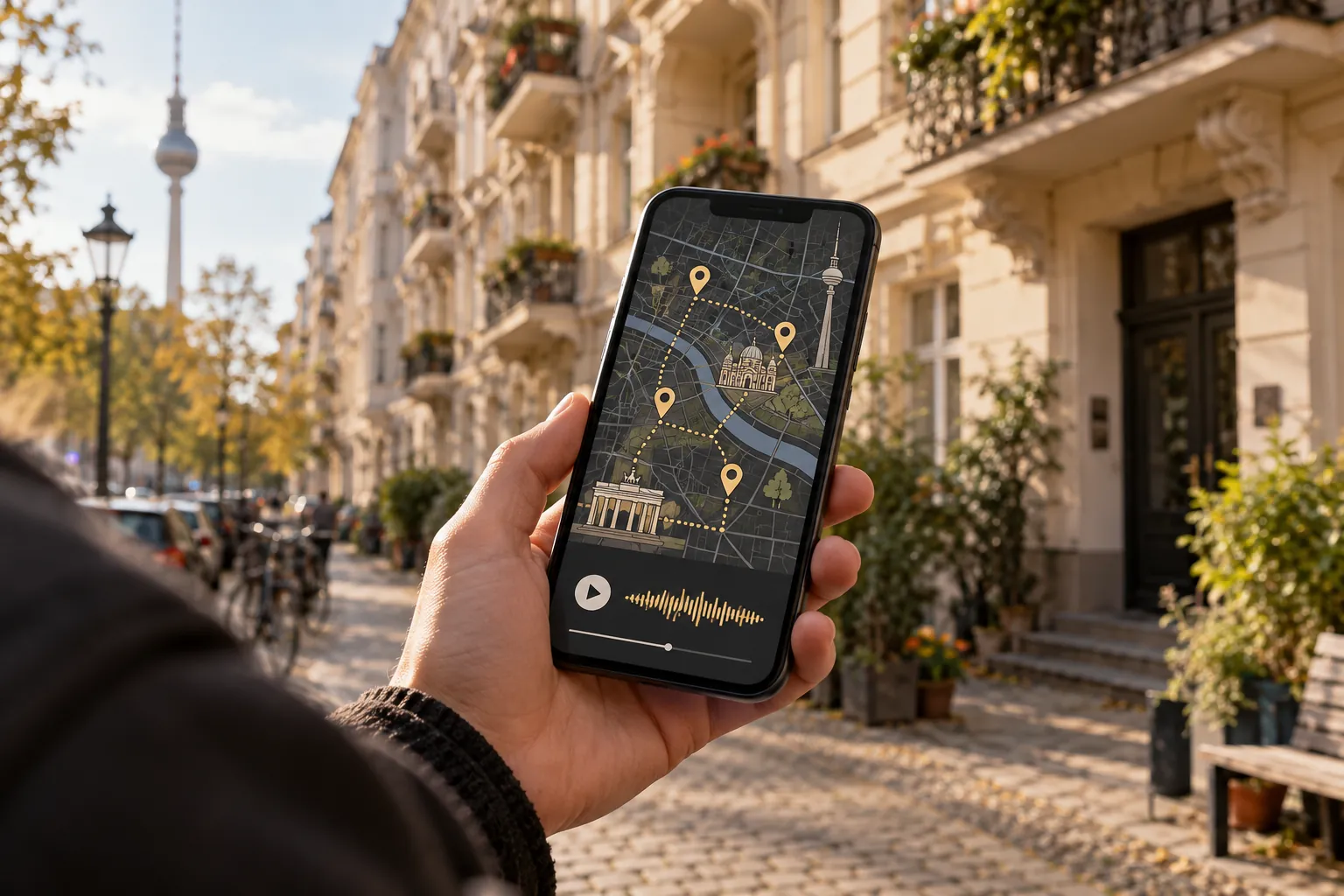
Match the content to the starting place
Choose an available story and locate its stop on the map. Check whether it is intended for an outdoor visit, an interior or a fixed route. An interesting recording in the wrong setting makes the plan unnecessarily complicated.
KiezWalk's product page describes the principle of stories linked to places. Use the current application to check the content actually available. A broad product description cannot replace selecting a specific first stop.
Try the workflow you will use outside
Start the recording with the headphones you plan to take. Test pause and resume. Briefly check what happens when you lock the screen if you want to put the phone away during the walk.
If you intend to use location features, check the displayed position and required permission. Working audio does not confirm that location detection is also working. The guide to how GPS audio guides work explains the difference.
Pack for this outing
Charge the phone and, if relevant, the headphones. Take a suitable cable or power bank when the planned duration calls for it. Check weather and route requirements rather than carrying the same equipment for every walk.
If you want to avoid mobile data, test the complete offline experience explicitly. Opening the start page once does not establish that everything will work later. Save the endpoint somewhere independent of the audio application as well.
Check briefly at the first stop
Find a suitable place, confirm the recording and listen to the opening. Then decide whether to remain stationary or follow the intended walking section. The audio can wait at crossings and anywhere that needs your full attention.
If something fails, change one thing at a time. For silence, use the no-sound troubleshooting guide. When the setup works, put the phone away and look around. The preparation has done its job when it lets you concentrate on the place instead of the controls.