How does a GPS audio guide know when to play a story?
A GPS audio guide matches your estimated location with places that have associated recordings. Depending on the service, a story may start near a stop or you may select it yourself. Location detection, the map and audio playback are separate parts of the experience. Seeing one work does not prove that all three are ready.
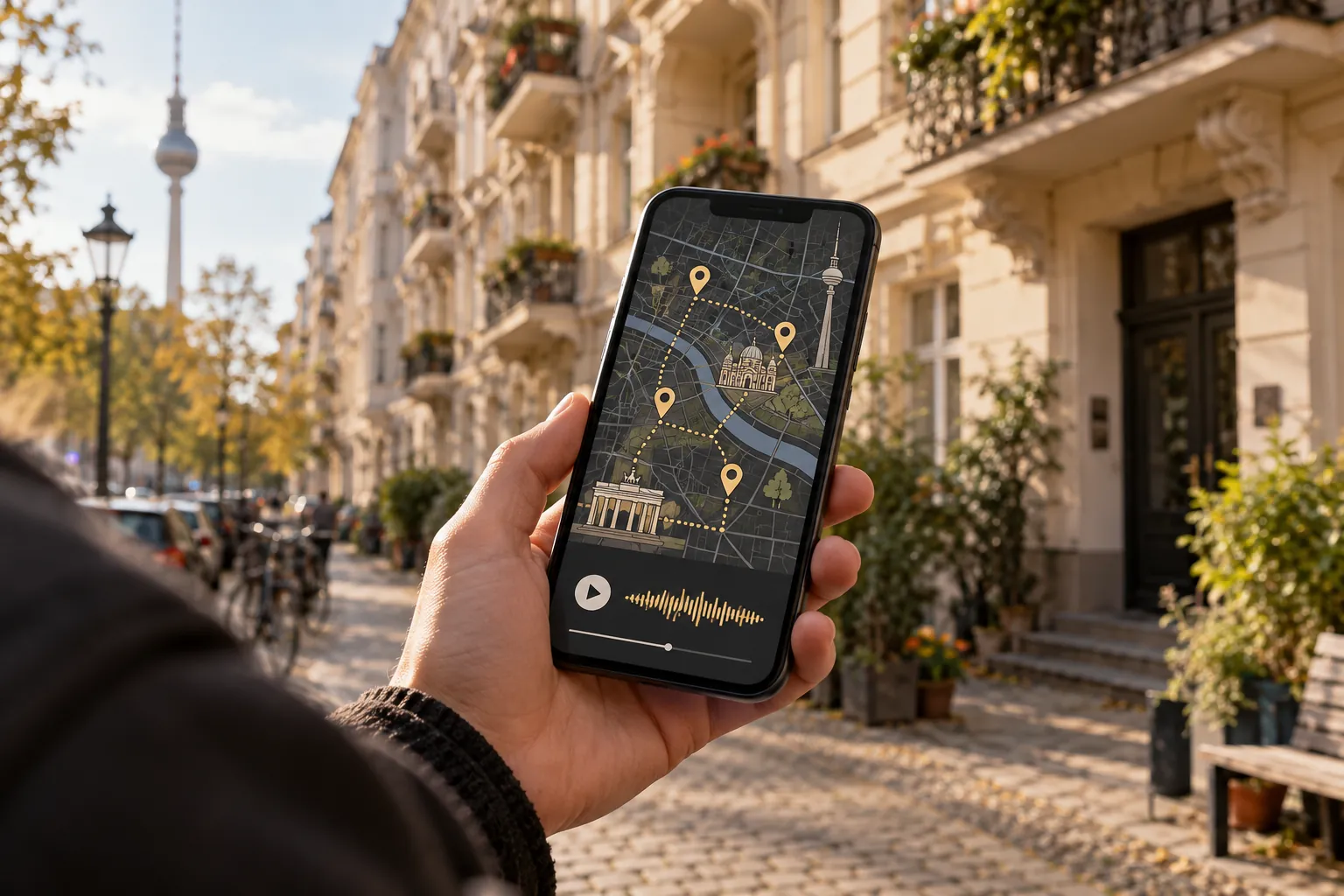
The connection between a place and a recording
The basic sequence is straightforward: your phone supplies a position, the service compares it with its listed places, and a relevant story becomes available. A browser-based guide generally needs your permission to use location. MDN explains the browser Geolocation API, which gives websites access to the device's location capabilities.
The name “GPS audio guide” does not specify every behaviour. A service might follow fixed stops, offer a map of individual stories or support both. Screen-lock and background behaviour also depend on the application and device. Try the first recording before assuming you can keep your phone in a pocket throughout.
Why the map sometimes puts you across the street
A phone location is an estimate. Buildings can block or reflect satellite signals, as GPS.gov explains in its accuracy guidance. In a built-up street, your displayed position can therefore drift away from where you are standing.
Do not chase a moving dot around a junction. Stop somewhere convenient and compare the street names and visible buildings. If you have reached the right place but nothing plays, select the recording manually if that option exists. See our wrong GPS location troubleshooting guide for a more detailed check.
Location is different from an internet connection
A visible position does not mean that the next audio file has downloaded. Equally, a saved recording may play even when the application cannot obtain a fresh position. These are different functions, so they need different checks.
For an offline walk, every required component must be available without a connection. That might include recordings, map information and access to the selected content. Check the actual service and run a practical test rather than relying on the word GPS. Our offline Berlin audio guide checklist explains what to try.
A useful test before your walk
Open an available story, check your displayed location and start playback. Lock the screen briefly to see whether the recording continues as expected. If you intend to use automatic starts, test the next stop too; successfully playing one recording is not a test of location triggering.
KiezWalk describes stories connected to places. Check which stories are available for your intended area and build the walk around those. A small test at the start is more useful than discovering halfway through that your phone behaves differently from what you expected.