Your audio guide shows the wrong GPS location: what to check
If an audio guide places you across the road or far from your actual position, stop somewhere suitable first. Check whether the location is current and whether the application has permission to use it. Then distinguish your own position from a misplaced story marker. They are different problems and need different checks.
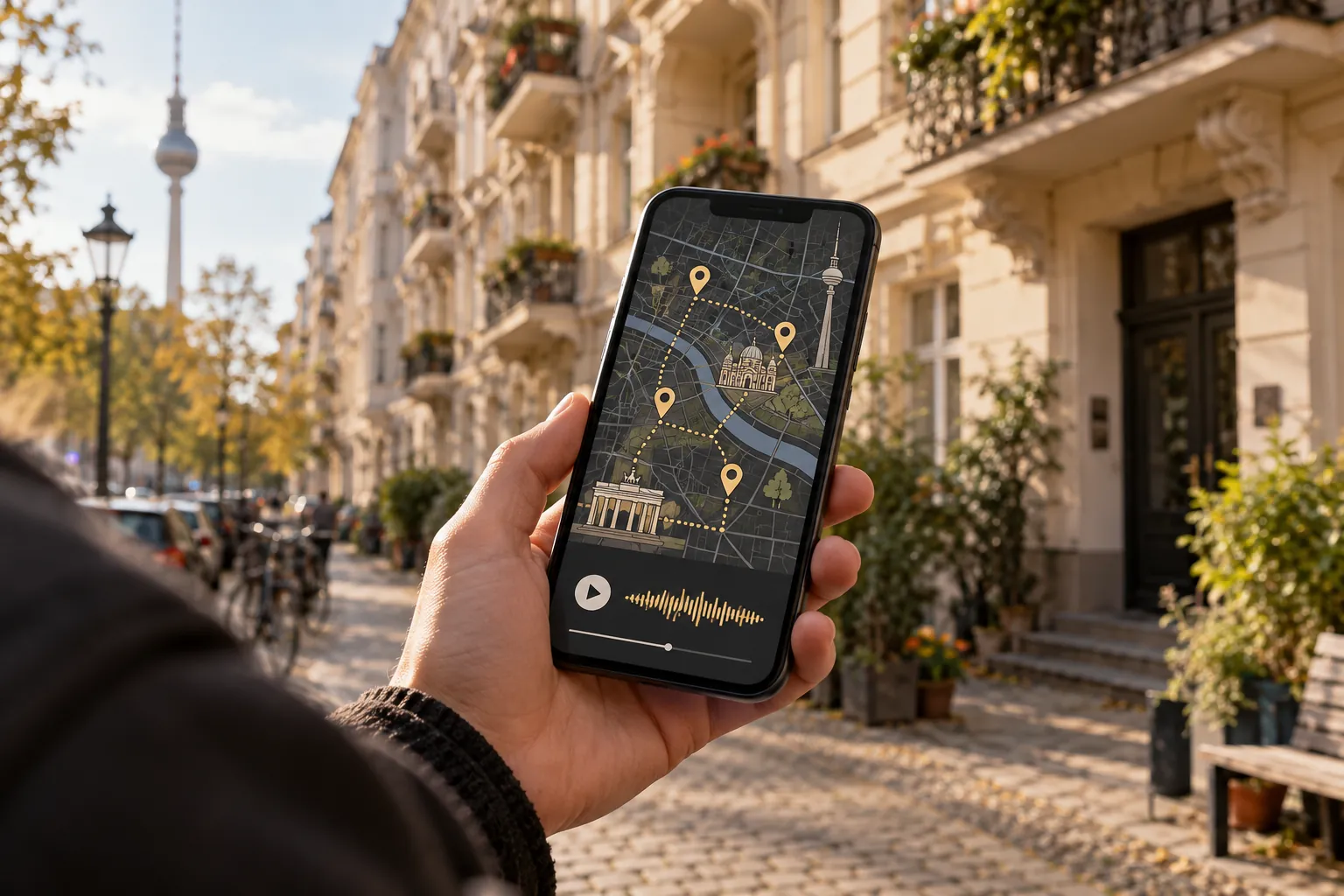
Identify what each marker represents
Which marker shows you, and which marks the story's location? A recording may concern a whole site while you are standing at a different entrance. Read the address and description before trying to reach a pin exactly.
Compare the display with street signs or another clear landmark. Another map application may help narrow down the issue, but it is not a perfect measurement either. If both positions are substantially wrong, the cause may concern the device or reception.
Check reception separately from permission
GPS.gov identifies signal blockage and reflections from buildings as causes of positioning errors. Recheck outdoors in a suitable open area. Do not follow a drifting marker onto a roadway or into a restricted area.
Also review location permission and, where relevant, the precision setting. Our guide to allowing location for an audio guide explains the different levels. Change one setting at a time and retest so that you know what made a difference.
Correct position, but no story?
If your position looks reasonable but nothing plays, try manual selection where it is available. An automatic-start problem is not necessarily a location problem. Start a recording yourself and check sound and connectivity.
The no-sound troubleshooting guide provides the next steps. Our explanation of how GPS audio guides work shows why location and playback can fail independently.
Prepare a useful report
If only one station appears misplaced, record its name, listed address and the difference you observed. Add the device, browser or application version and the time. A screenshot may help if you remove private information before sharing it.
Those details make a misplaced content marker easier to investigate than a general statement that GPS is broken. For the current outing, you may be able to play the story manually at the identifiable location instead of waiting for an exact automatic trigger.