Allowing location for an audio guide: which permission matters?
Location permission allows an audio guide to use the position supplied by your device. It may be needed to show nearby stories or activate location-based features. Check access for the particular application or website. You do not need to give every application general access to your location.
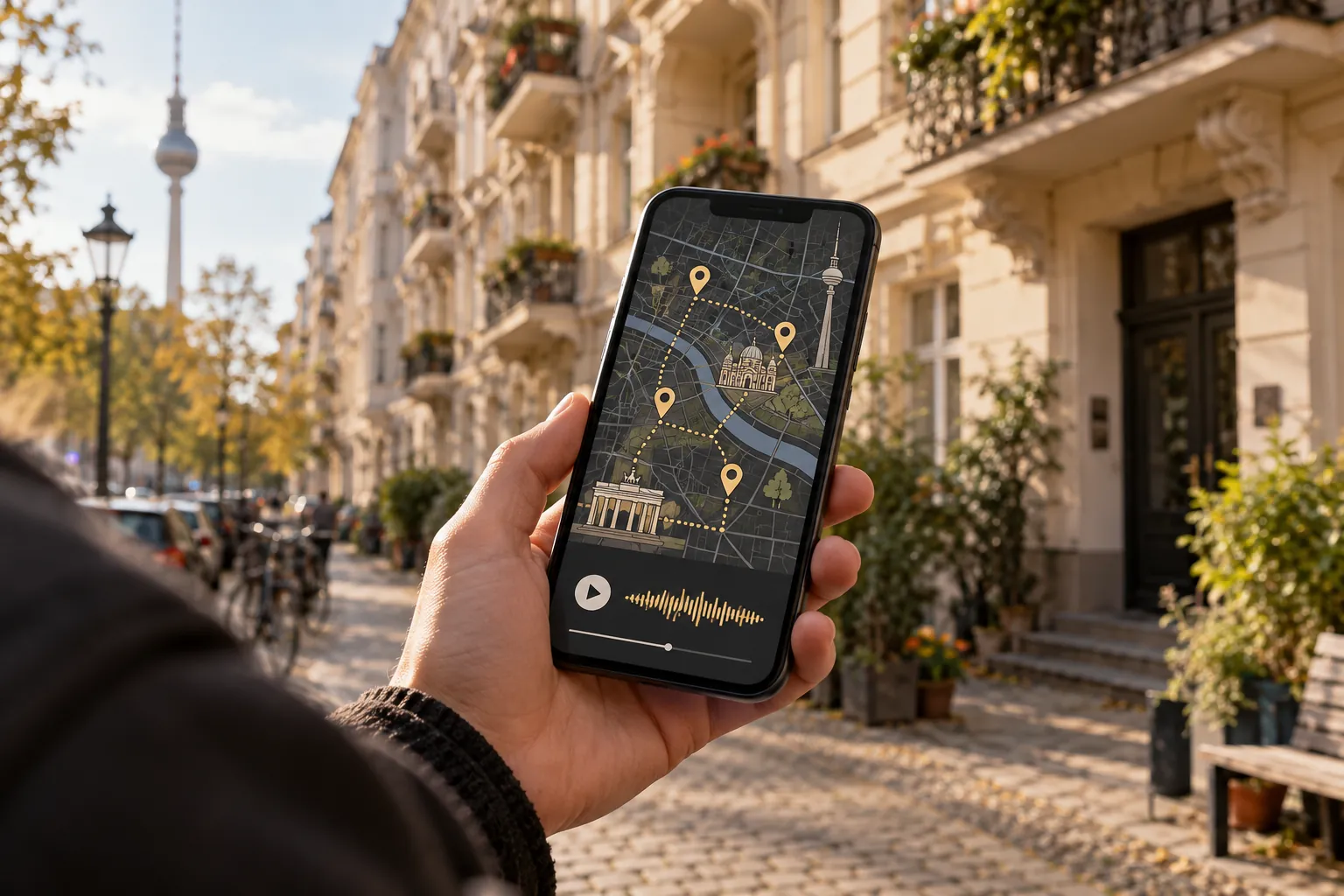
Distinguish an app from a website
For an installed app, check its system permissions. For a browser-based guide, both the browser's device permission and the setting for the individual website may matter. Allowing one does not necessarily remove a block on the other.
Google explains site permissions in Chrome on Android. Look for the settings attached to the audio guide's actual address. Change the relevant permission rather than deleting all browser data as a first step.
Choose precision and duration deliberately
On iPhone, Apple's location guidance explains app access and the precise-location setting. Android also provides permissions for individual apps. Menu labels can vary by device and version.
An approximate position may be insufficient for selecting a nearby stop. That does not mean every service needs permanent background access. Read the requirements of the feature you want and choose an appropriate permission for that purpose.
Run a visible check afterwards
Return to the guide and check its location display outdoors. Compare it with a street sign or an unmistakable building. If a permission message remains, reopen or refresh the relevant view and check whether your change has taken effect.
If access is allowed but the displayed position is wrong, permission may not be the cause. Continue with wrong GPS location troubleshooting. For the underlying process, see how GPS audio guides work.
Review access after the outing
You can revisit the permission if you no longer want to use the service. The permission dialogue alone does not explain what location information a provider stores; consult its privacy information for that question.
Before a future outing, use the brief test in our audio-walk preparation guide. The aim is a clear permission for a specific use, rather than a collection of settings enabled just in case.